Choose how you drop
Pure freefall is the default. Turn on a start platform when you want a place to pause before each level.
LEVEL UP LEGENDS · MINECRAFT JAVA
The drop starts before you can find your footing. Fall through 100 custom-built levels, dodge moving hazards, and keep your run alive while viewers send events that can help, disrupt, or throw you into the Abyss.
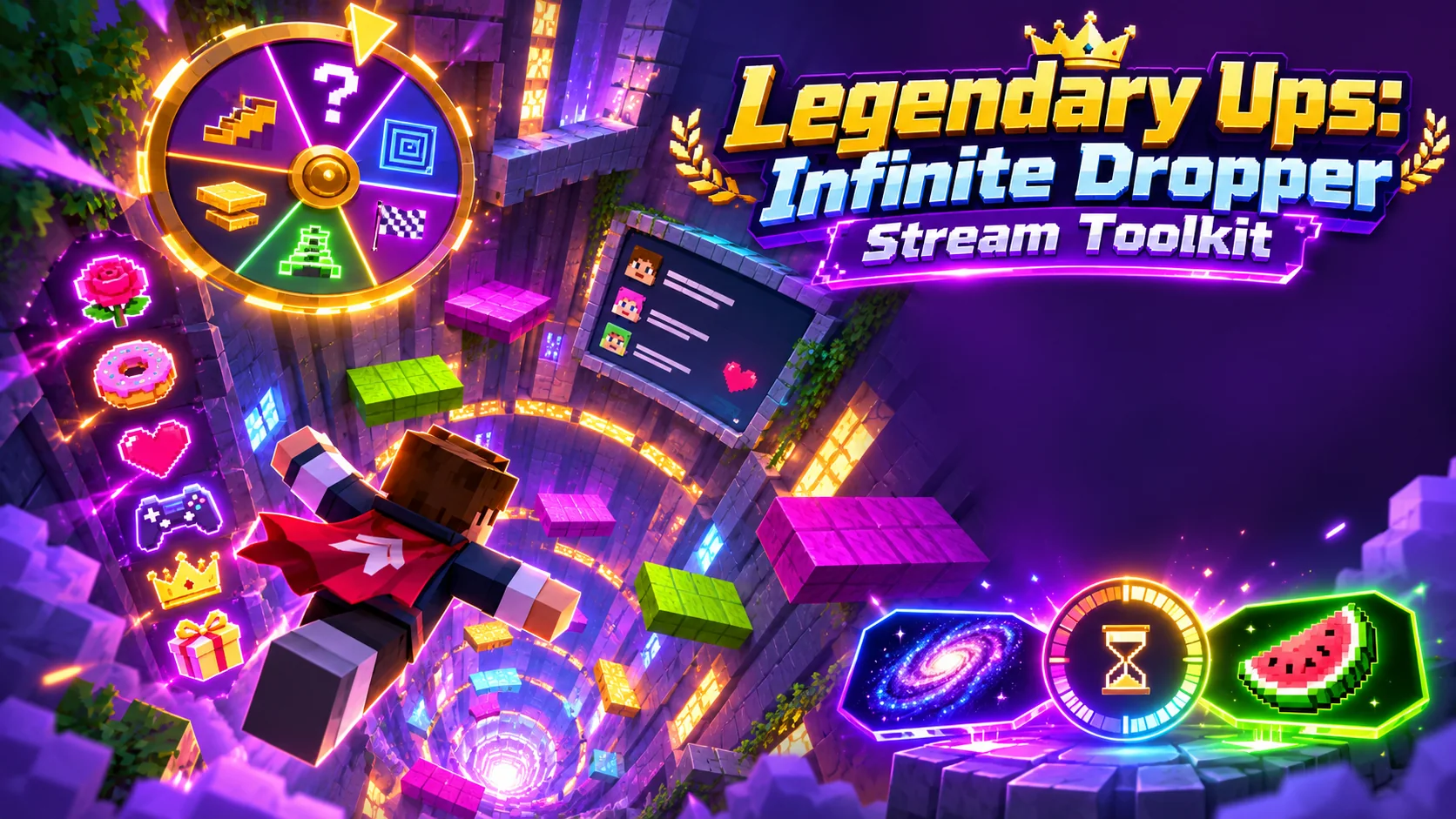
Drop into the course and steer through changing layouts as the challenge ramps up. Tune the run to suit your stream, whether you want a relaxed practice session or a high-stakes climb.
Pure freefall is the default. Turn on a start platform when you want a place to pause before each level.
Fans and blades, spinning rings, and sliding walls can move through later levels. Switch hazard groups on or off.
Level 100 has four stages. Choose its difficulty, set the highest reachable level, and decide what happens after a win.
Use practice mode, sequential or random order, a speedrun timer, and adjustable fail penalties or checkpoints.
Enable negative levels and set the lowest point. The course supports Abyss levels down to −50.
The game records player level, deaths, and wins. Choose a HUD style and theme, then show the details you want viewers to see.
Map gifts and LIVE events to the game actions you choose in the LeveL Up Legends Launcher. You can pause game events, limit event traffic, and decide whether viewer names appear in game.
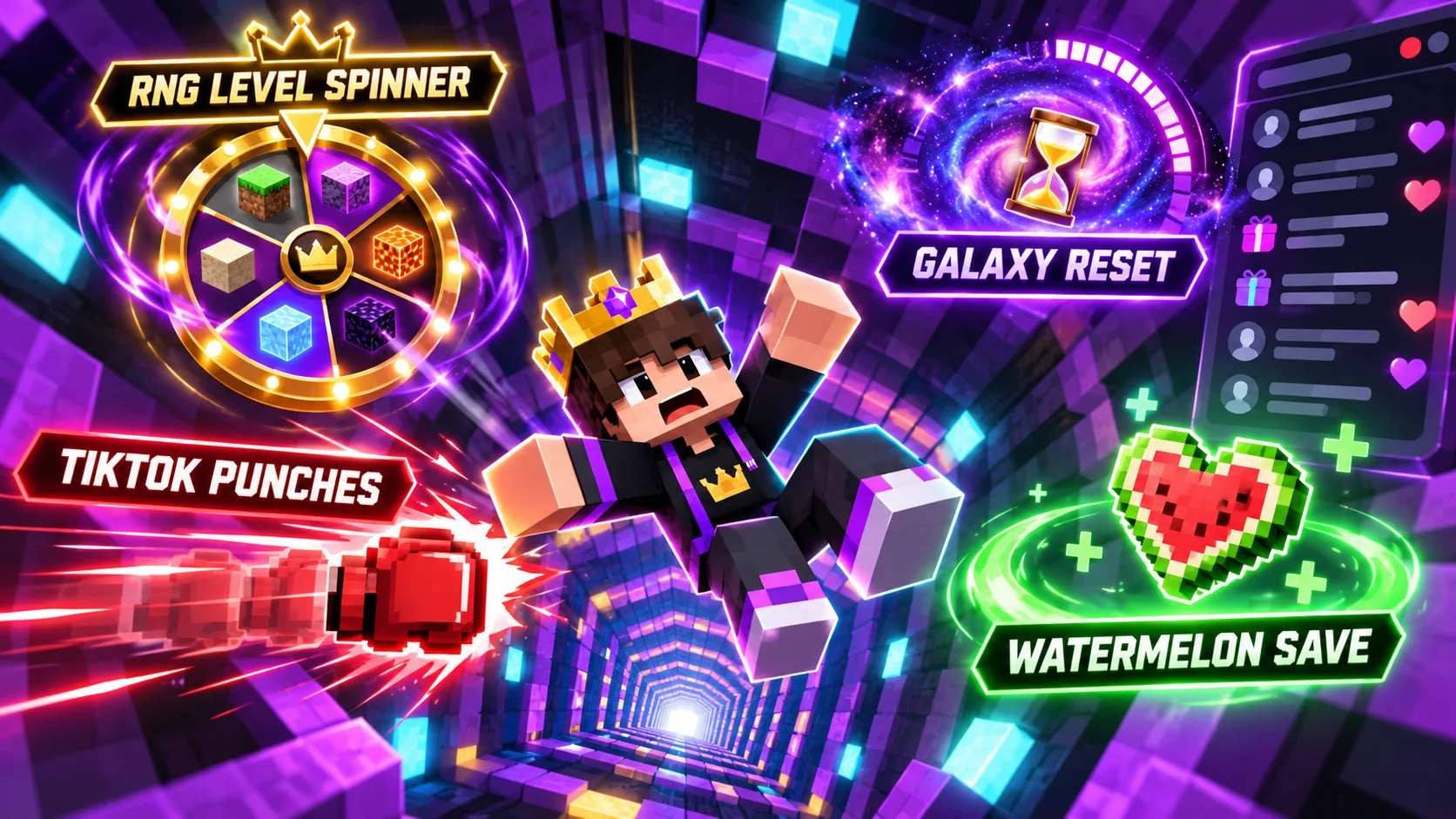
Use built-in event types for follows, shares, subscriptions, like goals, combos, gift tiers, chat events, or your own custom triggers. Then choose what each event does to the player’s run.
Example actions: move levels up or down, skip or restart a level, return to a checkpoint, jump to a stage or boss, send a player to the Abyss, apply assist or hard-mode effects, trigger visual effects, or spin the DropperRNG wheel.
Connect TikFinity Desktop to the launcher, set your event mappings, and test them before going LIVE. The launcher and server bridge carry the event to Minecraft; the game does not connect to TikTok by itself.
Quick controls make it easy to run a clean stream without typing every command. Use the launcher to check the server, change game settings, and test actions.
Start or restart from level 1, return to the lobby, or open the in-game streamer menu for HUD, practice, fail-penalty, and event controls.
Test the bridge actions on your server, read back the game settings, and see live player levels, deaths, and wins in the launcher.
Choose HUD style and color theme, adjust particles and effects, and enable performance-safe settings for a lighter visual load.
The launcher can create a dedicated Paper server, install the game and connector, and guide you through the first connection. You don't need to manage a separate server folder by hand.
Buy the game or join the free creator network. Sign in to the launcher with the Discord account tied to your access.
Choose where the launcher should create your Paper 1.21.10 server. Review and accept the Minecraft EULA, then let the launcher install the game and bridge.
Set your Minecraft username, start the server, connect TikFinity Desktop, map an event, and send a simulated event before you go LIVE.
Know what runs on the server, what the launcher manages, and how viewers' events reach your game.
No. FREEFALL LEGENDS DROPPER runs on a Paper server with its datapack and supporting server plugins. Players join with Minecraft Java Edition and do not need a mod loader.
No. The game runs server-side on Paper. Players connect with Minecraft Java Edition 1.21.10 and do not need to install a client mod.
No. Run TikFinity Desktop and connect it to your LIVE. The LeveL Up Legends Launcher receives events and forwards your configured actions to the game server.
Yes, if it is Paper 1.21.10 and has the game package and bridge installed. The simpler setup is to let the launcher create a dedicated server for you.
Get FREEFALL LEGENDS DROPPER, set your event rules, and see how far you can make it with chat watching.