A gift animation on TikTok will not move a Minecraft player by itself. The event has to reach a separate tool, then arrive at the Minecraft server as a command or action the setup recognizes. Legendary Ups supplies the Minecraft-side pieces; this guide follows the event path and shows what to test before you stream.
Understand the event path
Think of the setup as three parts: TikTok LIVE produces an event, a separate event-forwarding tool turns it into a command or action, and the Minecraft server handles that input. Legendary Ups includes server-side tools such as gift punch commands, a countdown event, and a board for displaying messages and event data.
The product page names TikFinity, RCON, and the console as possible ways to send events or commands. The exact connection depends on your installed tools and permissions. DropperBoard itself is a display component, not a direct TikTok integration.
Choose a small event mapping
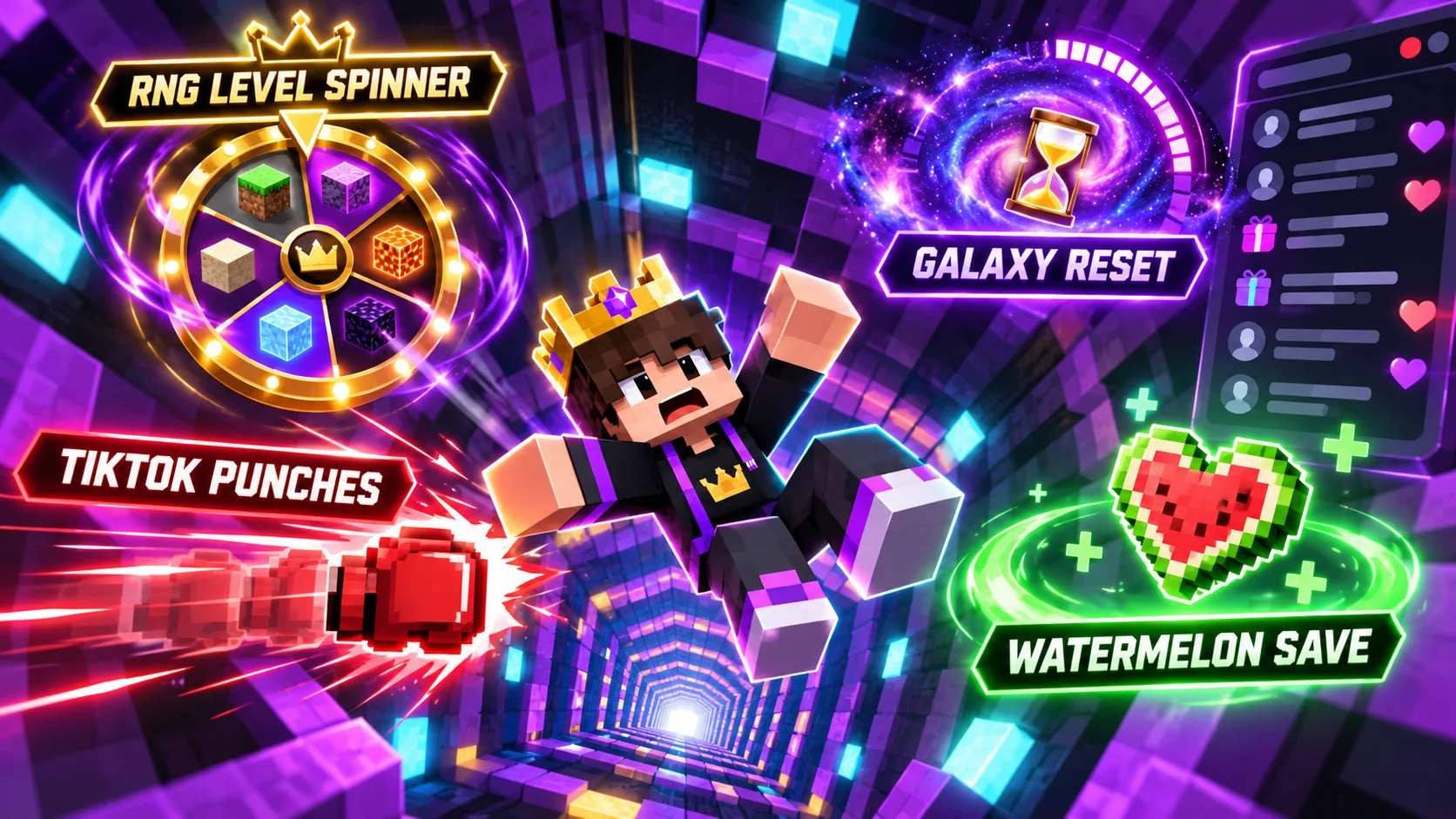
Start with one event and one visible response. For example, confirm that a test event can reach the server and that the configured punch command produces the expected horizontal movement. Then test any queue, cooldown, cancellation, or display behavior that is part of your plan.
The Galaxy countdown and Watermelon Love save event form a separate sequence: one starts the pending reset countdown and the other can cancel it. Test both the start and cancel paths so you know what viewers will see if events arrive close together.
Verify the game action before promising it
A displayed event does not guarantee that a game action is configured. The current freefall spinner settings described on the toolkit page use a 1,100-level value and 50/50 gain-or-loss odds, but no result commands are configured. Confirm your scoreboard, plugin API, or command integration before telling viewers a spin will move them to a different level.
Keep a private test checklist for each event: trigger received, command accepted, expected in-game result, visible feedback, queue behavior, and safe way to stop or reset the test. Do not test unverified actions during a live audience session.
Keep participation clear and controlled
Tell viewers what an event can do and whether it is limited by a queue or cooldown. Set practical limits for repeated events and decide how moderators can pause participation if the stream becomes difficult to manage. Clear expectations protect the pace and give non-gifting viewers a way to enjoy the challenge too.
For the current component list and compatibility caveats, read the Legendary Ups Infinite Dropper page. If you are building content around interactive games, see the Level Up Legends creator program.
The takeaway
Treat TikTok-to-Minecraft gifts as an integration you need to configure, not an automatic feature. Test the event source, command path, queue, and final game action separately, then explain the rules before chat joins in. Explore Legendary Ups or open the Level Up Legends TikTok page.
Want to learn more about our creator community?
Official resources
Platform features and rules can change. Check TikTok’s current guidance before making decisions about your account.
Quick answers
Frequently asked questions
Does DropperBoard connect directly to TikTok?
No. DropperBoard displays messages and event information. A separate event tool or workflow must send commands to the Minecraft server.
Can I assume a gift event changes the Infinite Dropper level?
No. Verify that the event mapping and level action are configured in your installed setup. The current freefall spinner configuration described on the product page has no result commands configured.
Keep learning
Related guides
.png)
5 TikTok LIVE Minecraft Dropper Challenge Ideas for Chat
Five ways to give chat a role in a Minecraft dropper run, from level spins to timed saves and recap moments.
Read the guide.png)
Minecraft Infinite Dropper TikTok LIVE Setup Checklist
Check server compatibility, event forwarding, display behavior, and safety before taking an Infinite Dropper stream live.
Read the guide