The setup bug to catch before LIVE: the spinner animates, but the level never changes. The current freefall settings have no result commands configured, so the animation alone does not prove a level action works. Start with this checklist and verify each separate piece of the server, launcher, and event connection.
.png)
Check the Minecraft server target
The Legendary Ups product page lists Minecraft Java Edition 1.21.10 and Paper as the server bundle target. Confirm your server version and Paper build before you install anything, and keep a copy of your current world and configuration so you can recover if a change causes problems.
Review the release notes and included files for the exact build you have. The package describes server plugins and a Freefall Dropper datapack; check that each component loads and that the intended world and level data are available before adding stream triggers.
Separate the components in your checklist
Track the Paper server bundle, Freefall Dropper datapack, Legendary Ups Bridge, and Level HUD bridge as distinct pieces. The bridge provides local launcher-to-Minecraft controls, while the HUD bridge is described as a read-only scoreboard bridge. Their presence does not confirm that an external TikTok event tool is connected.
The project page also notes that launcher networking, the installed game profile, and TikTok event forwarding need separate configuration and verification. Treat any sample profile as an example, and confirm which controls are approved before using them.
Test the complete event path privately
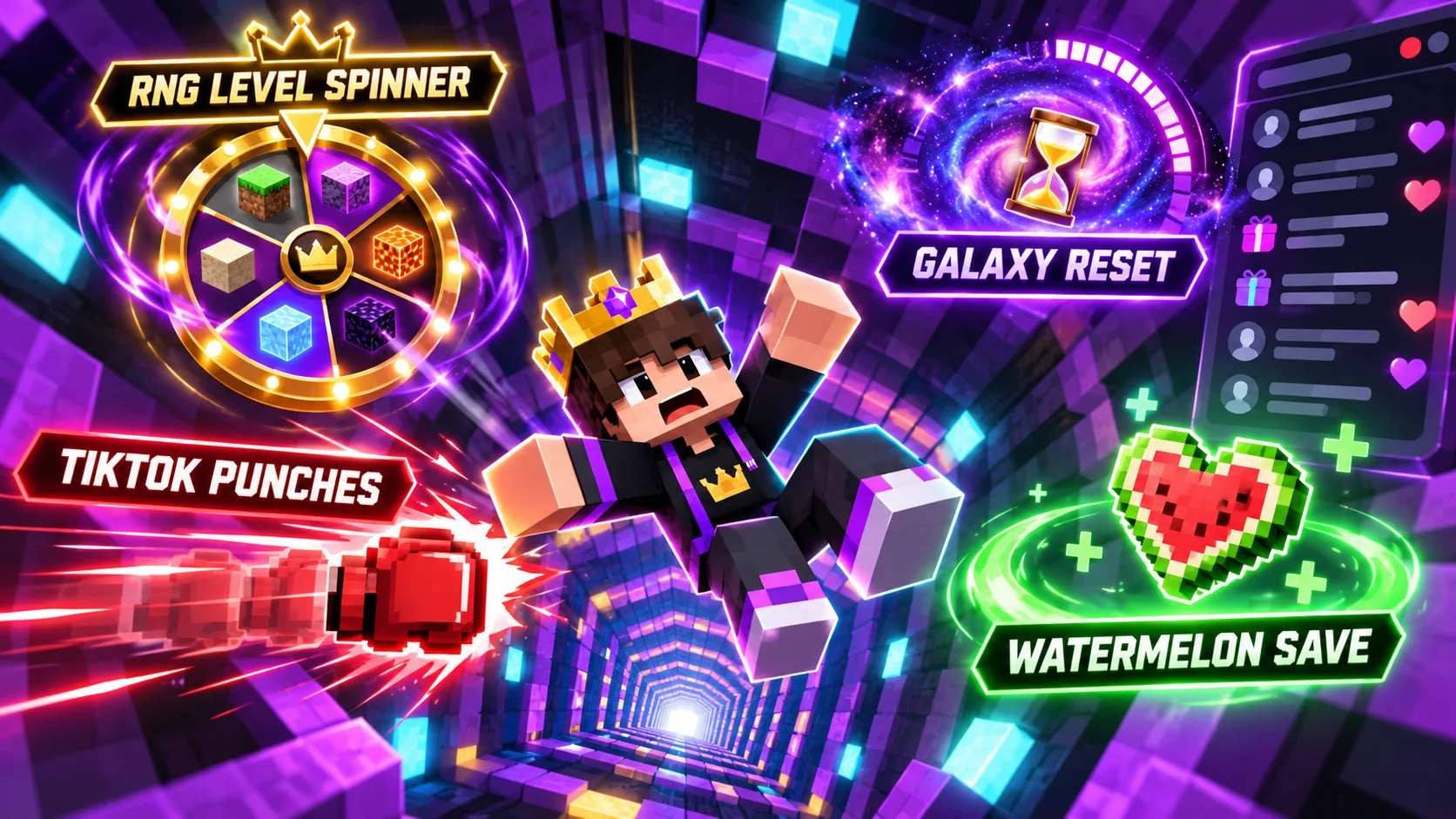
Use a private test to verify each action from source to result: event received, command delivered, server response, game effect, and viewer-facing display. Test the RNG spinner, punch commands, Galaxy countdown, and Watermelon save event individually before trying them together.
The included spinner configuration has no result commands configured. If your stream concept depends on spins changing the level, verify the specific scoreboard, plugin API, or command action in your own installation first. A wheel animation alone is not evidence that the level changed.
Prepare the stream and a fallback
Make the goal and event rules easy to see and say out loud. Check that the board text remains readable in your layout, plan how to handle a queue or cooldown, and agree on a way for a moderator or operator to pause events if needed.
Have a fallback ready: continue the dropper challenge without viewer triggers if the event bridge stops working. The toolkit page collects the feature and compatibility notes. For creator access to custom builds, visit the Level Up Legends creator program.
The takeaway
Check versions, server components, event forwarding, configured actions, and your fallback plan before you go live. Start with a private event test and describe only the behaviors you confirmed. See the Infinite Dropper toolkit details and creator access information.
Want to learn more about our creator community?
Official resources
Platform features and rules can change. Check TikTok’s current guidance before making decisions about your account.
Quick answers
Frequently asked questions
What Minecraft version does the listed bundle target?
The Legendary Ups product page lists Minecraft Java Edition 1.21.10 and Paper as the target. Check the current release notes for the exact bundle you install.
Does the server bundle include a direct TikTok connection?
No. TikTok event forwarding and the companion launcher workflow are separate setup steps and need their own configuration and testing.
Keep learning
Related guides
How to Use TikTok Gifts with a Minecraft Infinite Dropper Stream
Understand the separate event bridge between TikTok LIVE and Minecraft, then test gift triggers, queues, and game actions safely.
Read the guide.png)
Legendary Ups Features Explained: Spinner, Punches, and Saves
See what each Legendary Ups event does, how the components work together, and which behaviors depend on your configuration.
Read the guide