1. Home
  2. Games
  3. Clustertruck Legends
Steam game ยท TikTok LIVE viewer mod

ClusterTruck
Legends

Play ClusterTruck with your viewers in real time. Every gift changes the run: chat moves you up or down levels, throws tires, punches you off the trucks, starts a reset you have to be saved from, or drops you into the boss fight.

$30or free with the Level Up Legends Creator Network

Requires your own copy of ClusterTruck on Steam (app 397950) and Windows 10/11. Unofficial mod, not made by or affiliated with the ClusterTruck developers.

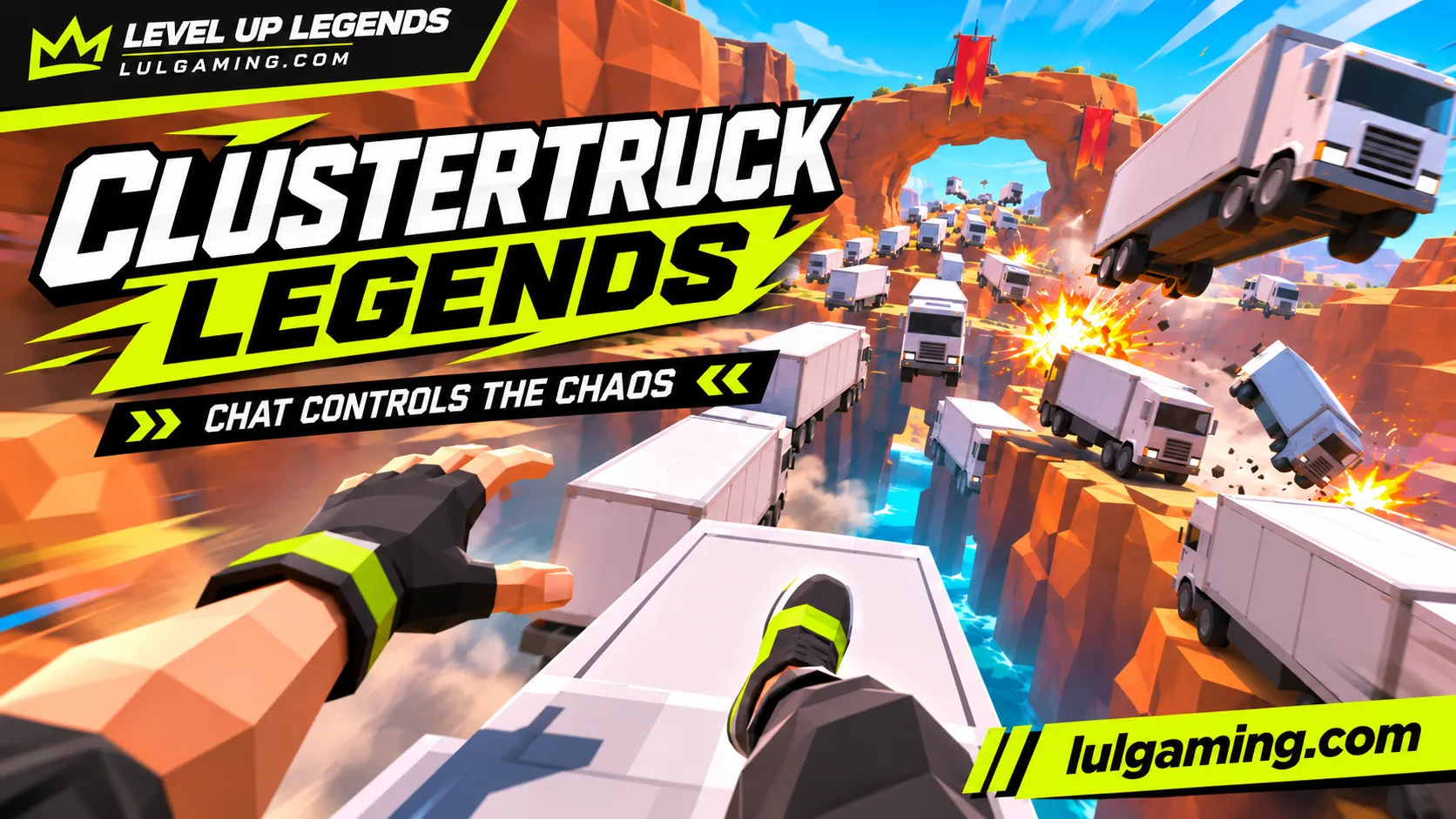
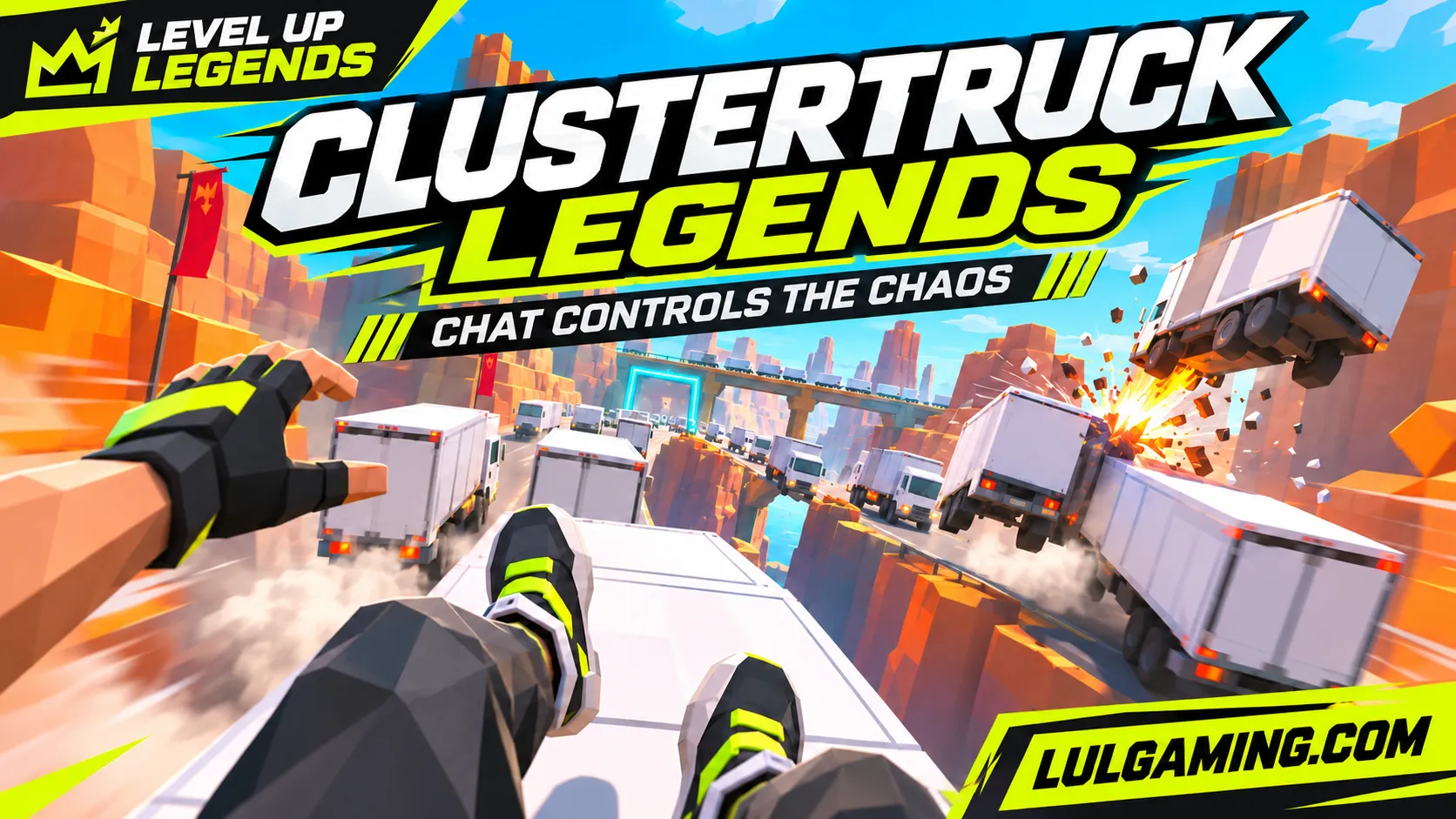
Clustertruck Legends key art: first-person view sprinting across trucks through a canyon, with the tagline TikTok LIVE chaos
Viewer actions

Every gift changes the run

Each action is a one-click button in the launcher and a gift on your LIVE. The default gift list works out of the box; rename any gift so it matches what your LIVE sends.

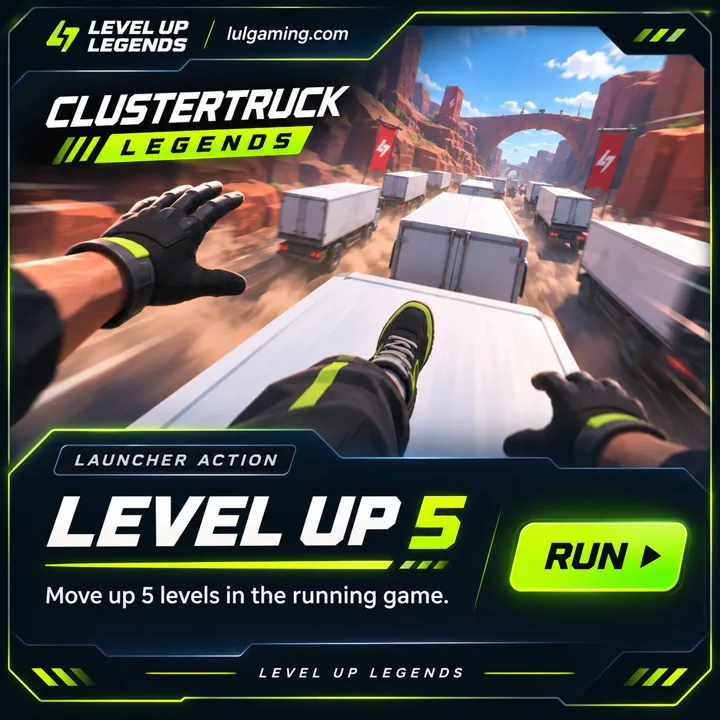
  • Level Up 5: move up 5 levels in the running game
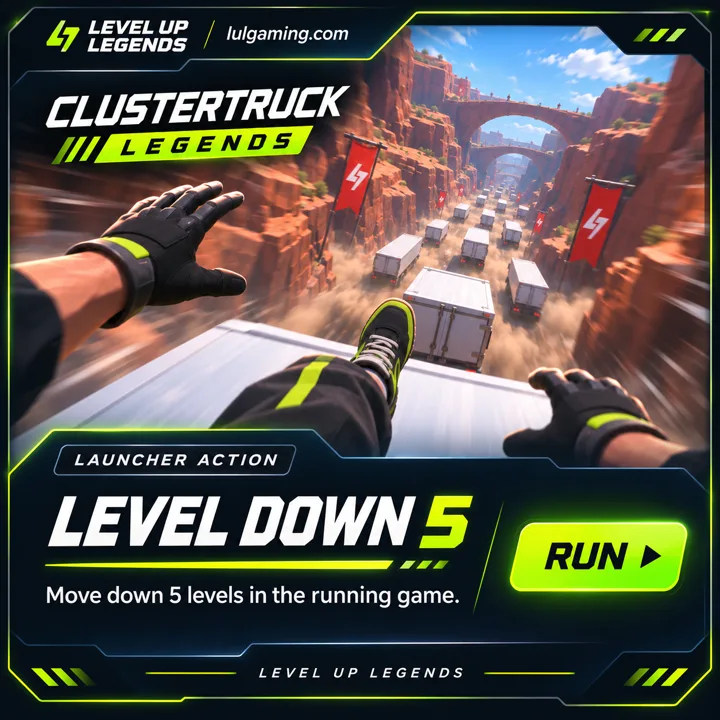
  • Level Down 5: move down 5 levels in the running game
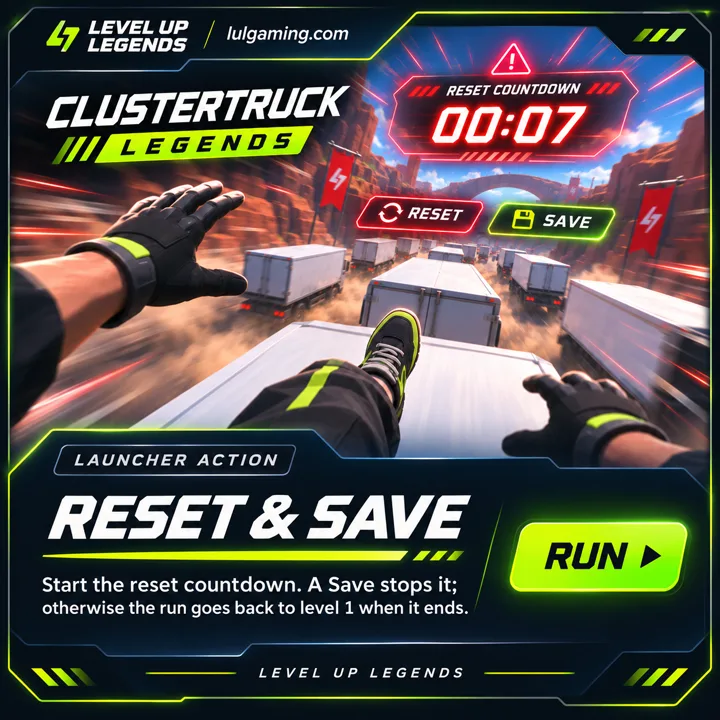
  • Reset and Save: starts the reset countdown; a Save stops it
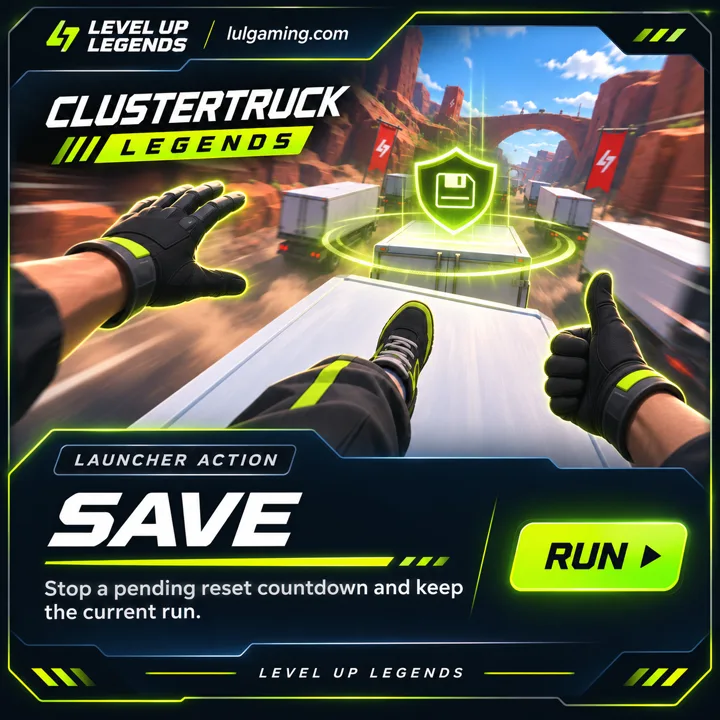
  • Save: stops a pending reset countdown and keeps the run
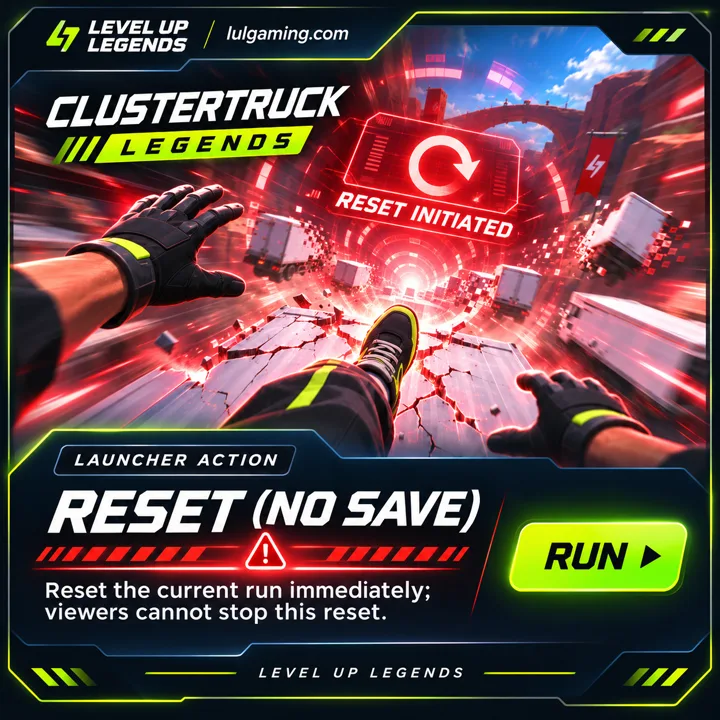
  • Reset (No Save): resets the run immediately; viewers cannot stop it
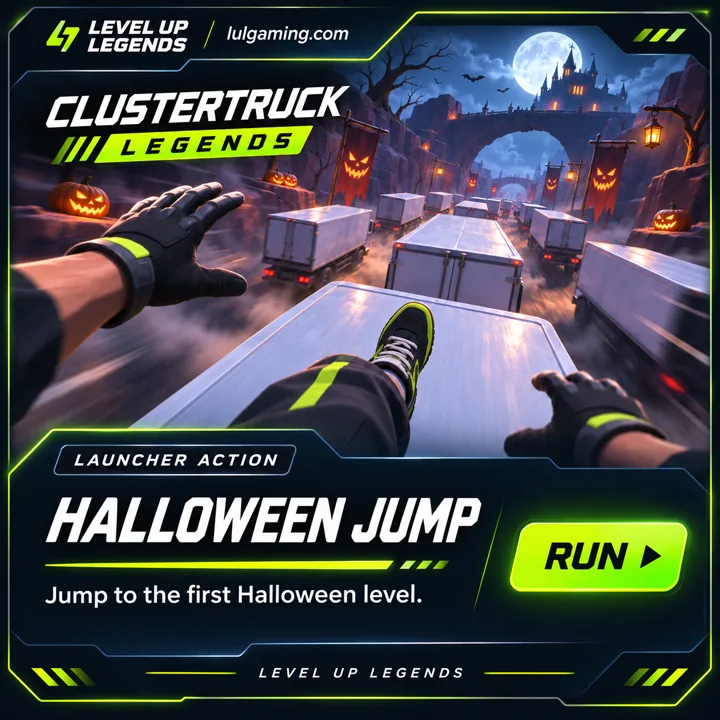
  • Halloween Jump: jump to the first Halloween level
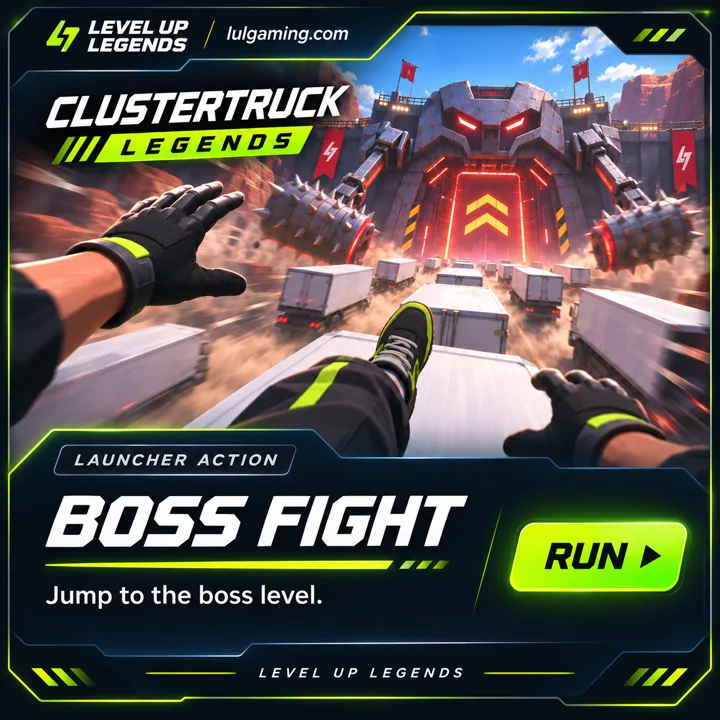
  • Boss Fight: jump to the boss level
  • Main Track: return to the main track
Gift (default name)What viewers get
Level Up 1 / Level Up 5Moves you up 1 or 5 levels
Level Down 1 / Level Down 5Moves you down 1 or 5 levels
Throw TireA tire flies in and knocks you off the trucks (short cooldown)
PunchA fist flies in and jolts you. Two punches within 6 seconds knock you off the truck
Reset & SaveStarts a 60-second countdown back to level 1. A SAVE gift stops it
Reset (No Save)Straight back to level 1, no countdown
SaveStops a pending reset. Each queued reset needs its own SAVE
Halloween JumpTakes you into the Halloween levels, starting at level 1
Boss FightJumps straight to the boss level
Main TrackBack to the main levels, where you left off
Built for the stream. Every gift has its own animation, and the reset countdown pulses and turns red in its last 10 seconds. Recent viewer actions slide in on the left of the screen.
  • Splash word
  • Colour flash
  • Confetti
  • Screen shake
  • Live action feed
About 2 minutes

Set up from the launcher

No manual file copying. The launcher finds your game, installs the mod loader and the mod, and backs up anything it replaces.

  1. Open Clustertruck Legends

    In the Level Up Legends launcher, sign in with Discord and choose Clustertruck Legends under YOUR GAMES.

  2. Find your game

    Press Find my ClusterTruck. If it isn't found, press Choose folder and pick steamapps\common\ClusterTruck.

  3. Install the mod

    Press Install mod. The launcher checks the game files and backs up any file it replaces. Older mod versions are removed first.

  4. Match your gifts

    Open the Gift list and make sure each gift name matches your TikTok gift (letter case doesn't matter).

  5. Start and go LIVE

    Connect TikFinity, then press Start through Steam. Setup shows when the mod is connected. Start a run and let chat take over.

If the install warns that your game build isn't the tested one, the mod may still work. Check it on a test level before you go LIVE.

Tune it

Settings

Use Settings in the launcher, or edit ClusterTruckMod\settings.cfg in the game folder.

  • CountdownSecondsHow long a reset waits (default 60)
  • MaxStepMost levels one gift can move (default 5)
  • KnockbackForceHow hard a tire hits (default 900)
  • AnimationIntensityMake gift animations subtler or wilder
  • BossLevelLevel that holds the boss (0 = last level)
Requirements

What you need

  • Windows 10 or 11
  • ClusterTruck on Steam (app 397950), installed on this PC
  • The Level Up Legends launcher
  • TikFinity Desktop connected to your TikTok LIVE

The mod listens only on this PC and accepts commands only from the launcher. Nothing is sent to the internet by the mod.

Questions

Clustertruck Legends FAQ

Do I need to own ClusterTruck?

Yes. You need your own copy of ClusterTruck on Steam (app 397950), installed on the same Windows 10 or 11 PC as the launcher.

Is this an official ClusterTruck mod?

No. It's an unofficial mod made by Level Up Legends and is not made by or affiliated with the ClusterTruck developers.

Does the mod change my saves or game files?

The launcher backs up any file it replaces. Remove mod deletes what the mod added and restores those files. Your saves and the game itself are not touched.

What happens after a ClusterTruck update?

Click Check install in the launcher; it tells you if the game build changed. After a launcher update that changes the mod, press Install mod once more.

A gift does nothing. What should I check?

Check the gift name in the launcher's gift list; gifts that aren't on the list are ignored. A tire that says "cooling down" is the 4-second cooldown. If the game isn't running with the mod, open ClusterTruckMod\loader.log in the game folder: it should say mod initialized.

Does the mod send anything to the internet?

No. It listens only on this PC and accepts commands only from the launcher, using a secret token it generates each time it starts.

More fixes are on the Help page, or ask in Discord #support.

Chat controls the chaos

See it in action

Clustertruck Legends: trucks crash and explode on a canyon highway while the player runs Clustertruck Legends: a truck flies past a stone arch as the player leaps between trailers

Hand chat the wheel.

Clustertruck Legends is $30, or free for Level Up Legends Creator Network members along with every other game.