SNOW
LEGENDS
Shovel and vacuum a backyard buried under 200,000 snow while your TikTok LIVE chat fights back. Gifts blast whole areas clean, troll gifts and follows dump fresh piles in front of you, and at zero it's ALL CLEAR: one minute for chat to bring the snow back.
Windows 10/11. Runs in the Level Up Legends launcher; no Minecraft, server or Steam game needed.
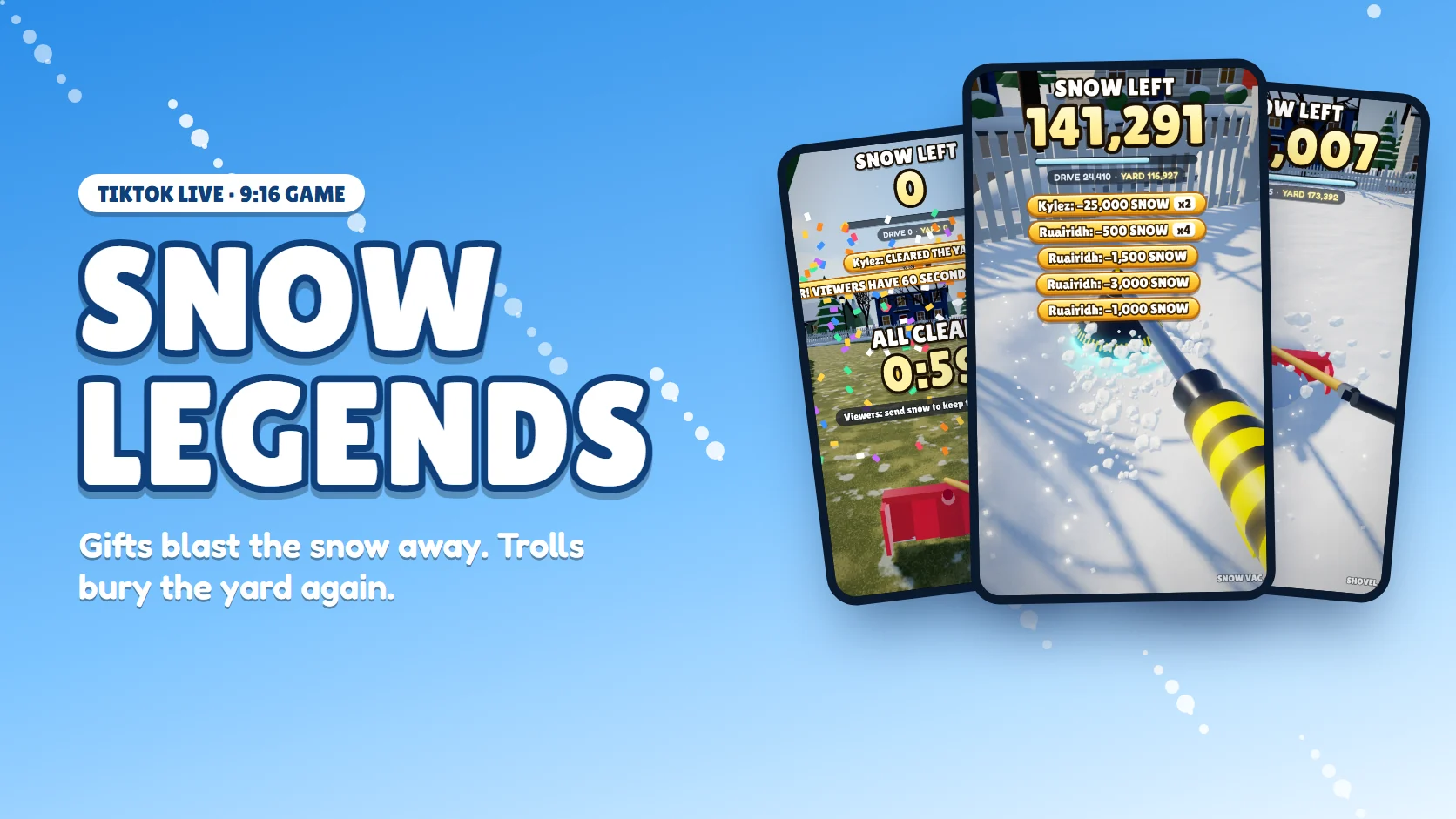
Every gift changes the yard
The starter gifts are ready the first time you open SNOW LEGENDS. Change any of them in the launcher's Gifts page.
| Gift | What happens |
|---|---|
| Rose | Blasts 1,000 snow away |
| Finger Heart | Blasts 5,000 snow away |
| Perfume / Doughnut | Blasts 20,000 / 25,000 snow away |
| Hand Heart | Blasts 100,000 snow away |
| Boxing Gloves / Galaxy | Wipes out 200,000 / 250,000 snow at once |
| Rhythmic Bear | Clears the whole yard and starts ALL CLEAR |
| Watermelon | Turbo vacuum: double clearing speed for 10 seconds |
| Ice Cream Cone / Ice Cream | Drops a 500 / 1,500 snow pile right in front of you |
| Corgi / Watermelon Love | Snowstorm: +20,000 / +200,000 snow over the yard |
| Diamond Gun | Blizzard: +500,000 snow |
| Follow / Share / 1,000 likes | Fresh snow piles (Starter + follows & likes preset) |
- ALL CLEAR countdown
- Confetti
- Snowstorms
- Turbo vacuum
- Live DRIVE · YARD counter
- Snow vacuum & shovel
See it in action
Every screen below is the game itself, captured at 1080×1920.
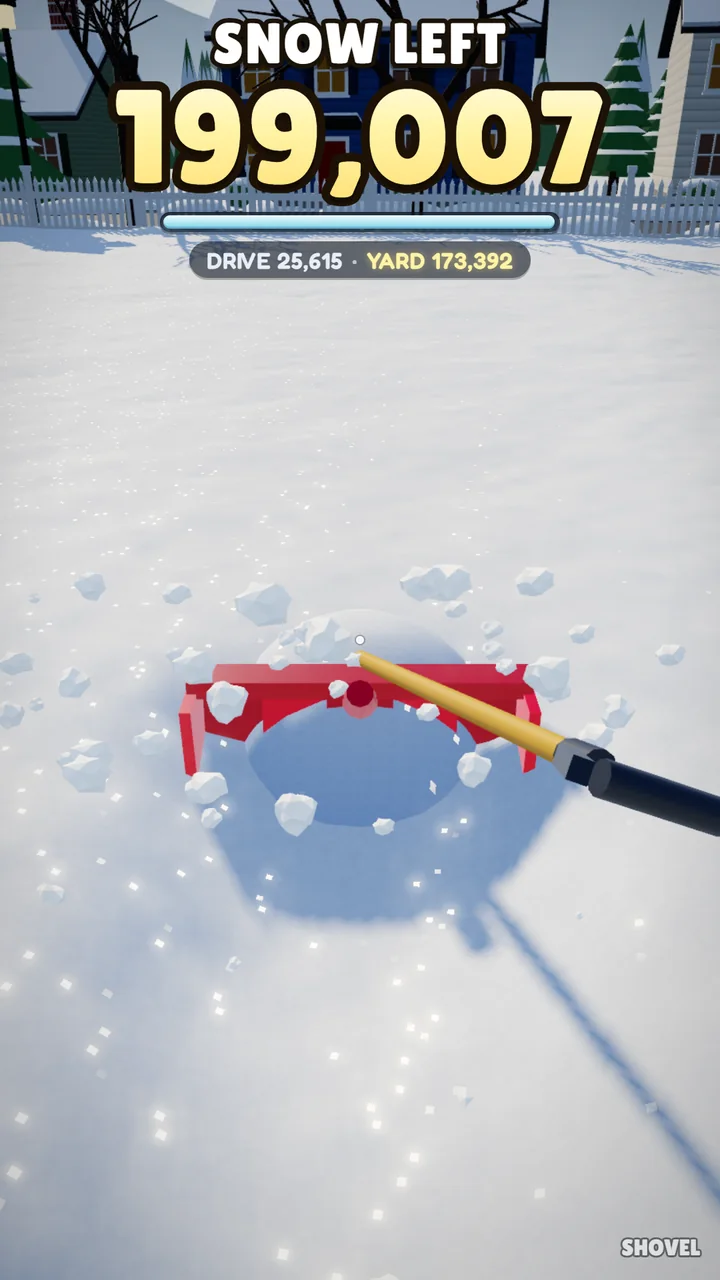
Push the shovel through deep, soft snow 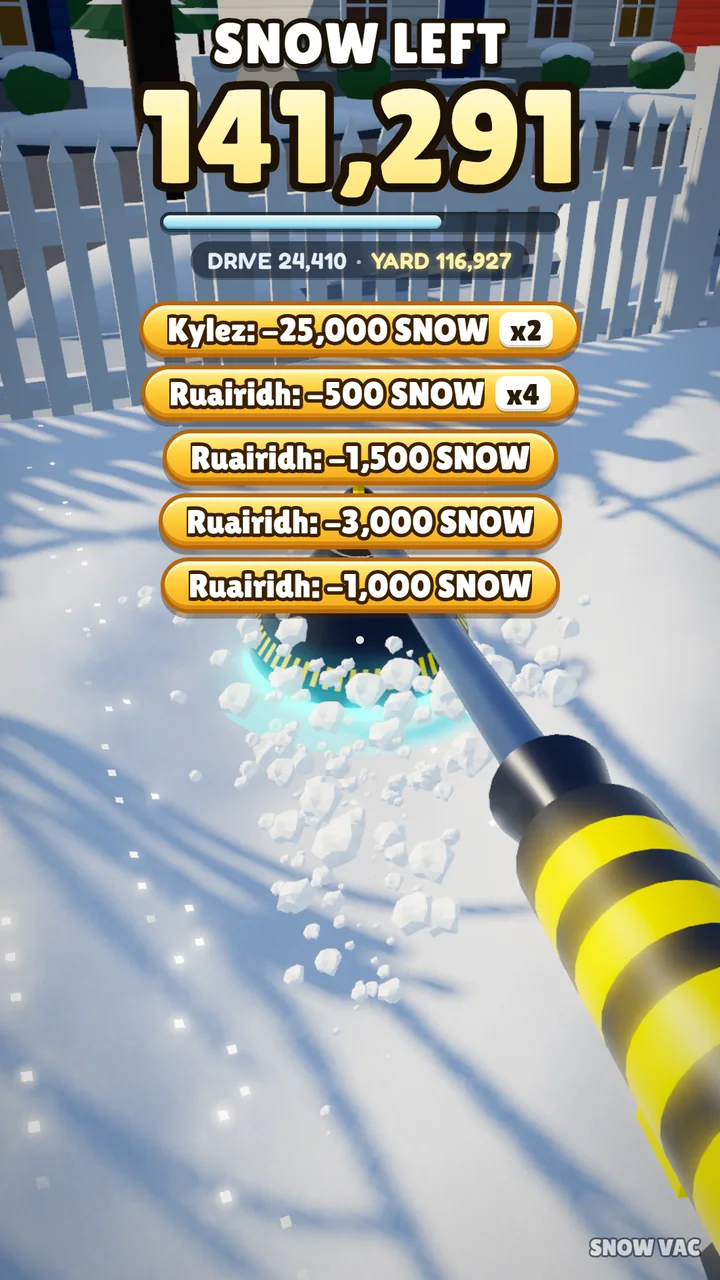
Swap to the snow vacuum as gifts stack up 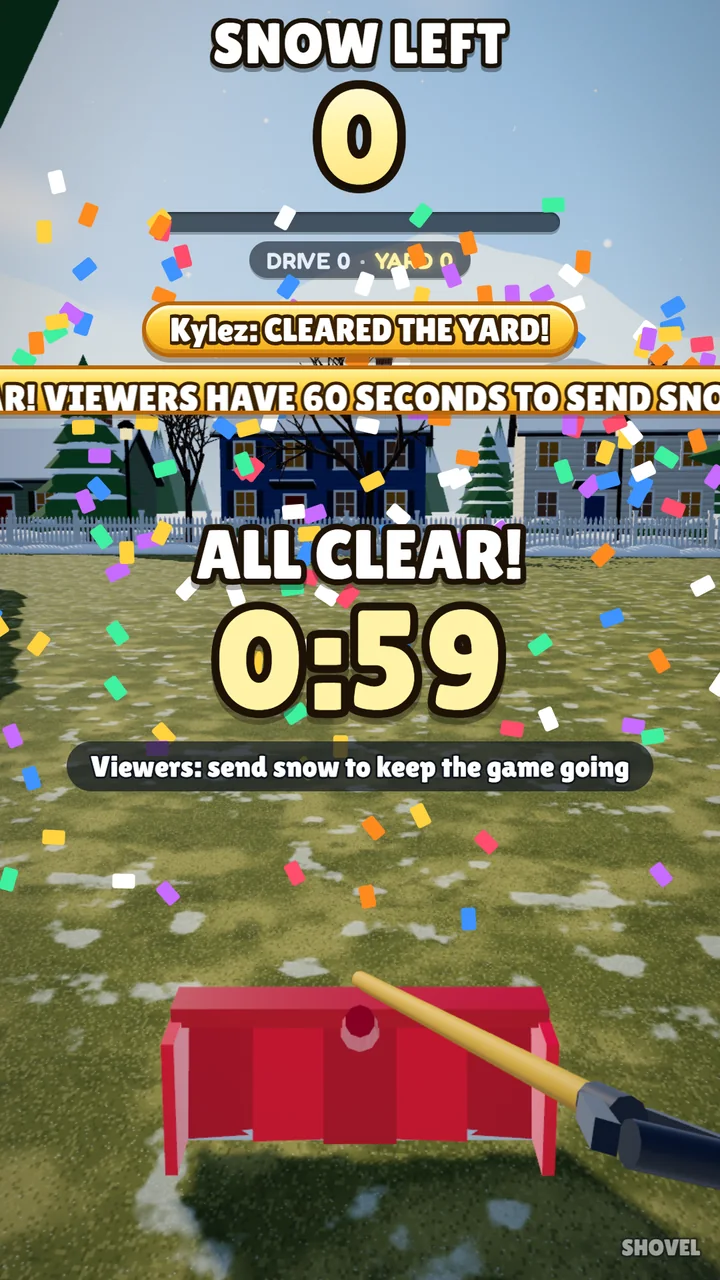
ALL CLEAR: chat has one minute 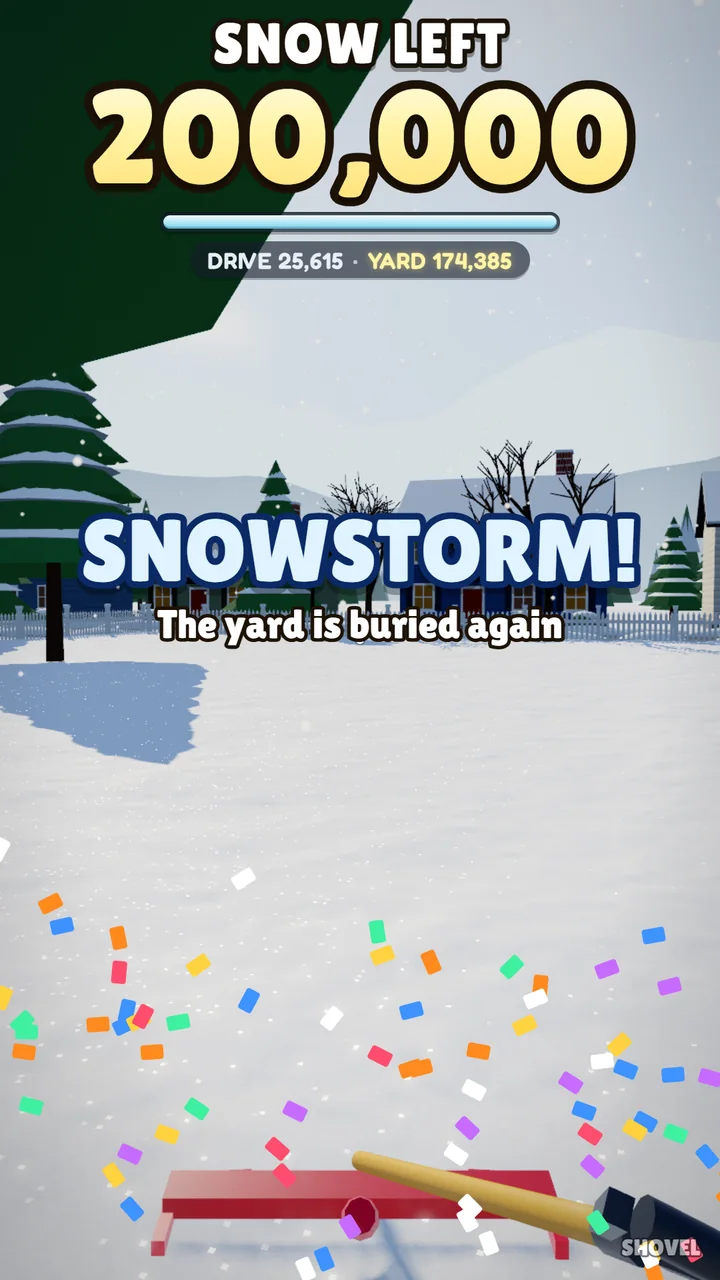
Run out of time and a snowstorm buries the yard 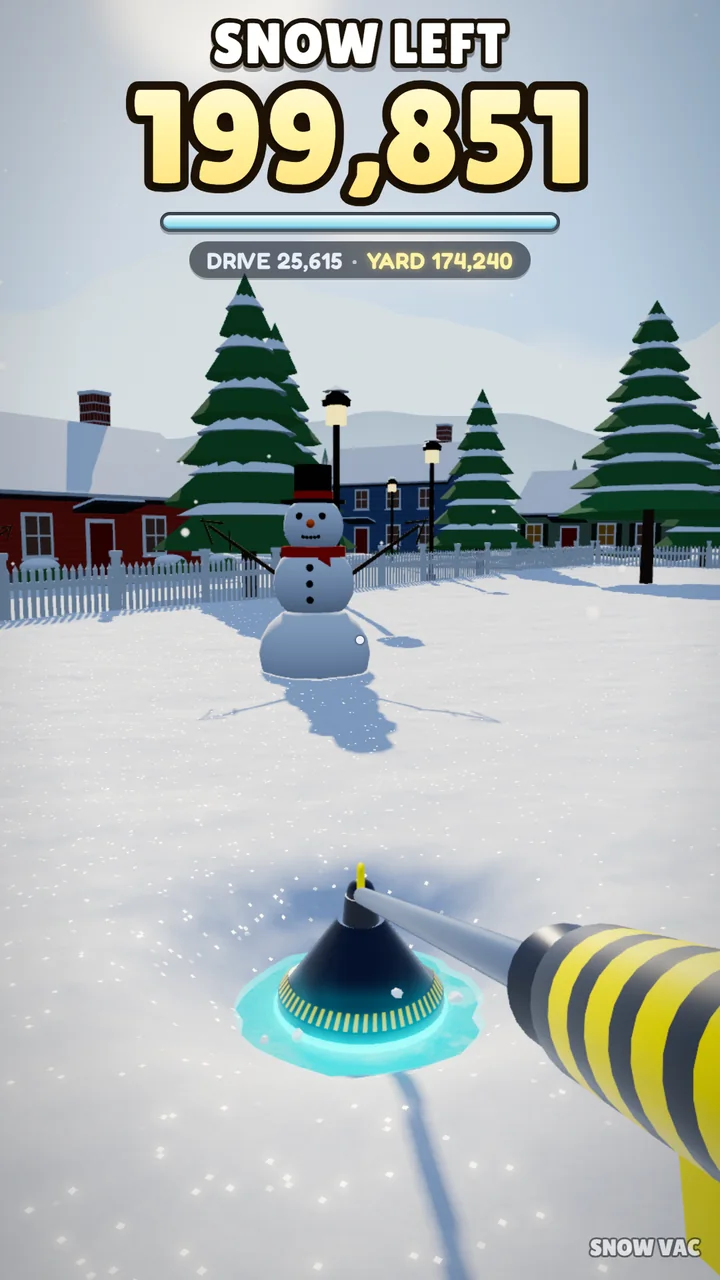
A bright winter neighbourhood, always daytime 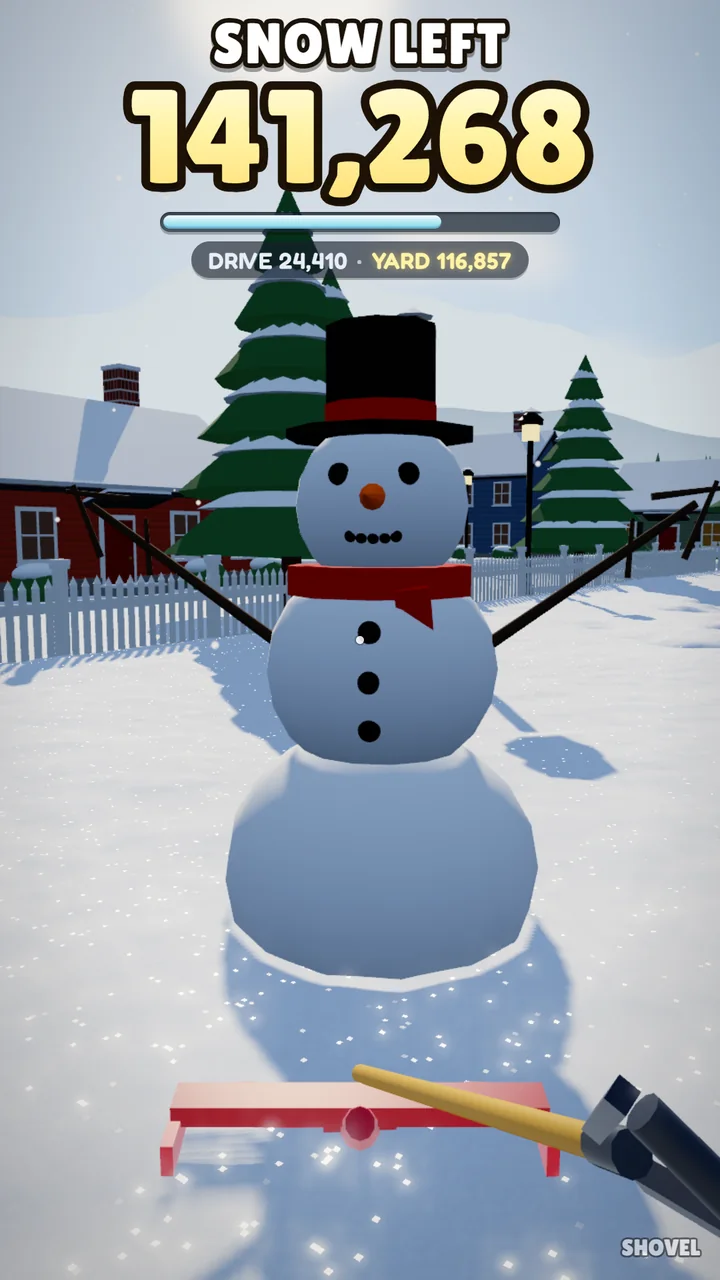
Snowmen, pines and snowbanks everywhere
Set up from the launcher
No files to copy. The launcher downloads SNOW LEGENDS, checks every file and keeps it up to date.
Open SNOW LEGENDS
In the Level Up Legends launcher, sign in with Discord and choose SNOW LEGENDS.
Install it
Press Install / update. The download is small and takes a few seconds.
Start the game
Press Start SNOW LEGENDS. It opens in its own 9:16 window: mouse to look, WASD to move, right-click swaps the snow vacuum and the shovel.
Put it on stream
In OBS or TikTok LIVE Studio, add a Window capture of the Snow Legends window in a 1080×1920 layout.
Go LIVE
Open TikFinity Desktop. The launcher connects to it by itself and sends every gift straight into the game.
SNOW LEGENDS FAQ
Do I need Minecraft or another game?
No. SNOW LEGENDS is built into the Level Up Legends launcher. It downloads, checks itself and opens in its own 9:16 window. No Minecraft, server or Steam game is needed.
How do I show it on stream?
In OBS or TikTok LIVE Studio, add a Window capture of the Snow Legends window in a 1080×1920 (9:16) layout. Press F11 in the game for full screen.
Will it run on my PC?
It runs on Windows 10 or 11 with a graphics card that runs 3D browser games. It has Ultra, High, Medium and Low graphics in the game's Esc menu.
What happens at zero snow?
ALL CLEAR: viewers get a 1:00 countdown. Every gift in that minute brings snow back and keeps the game going. If the minute runs out, a snowstorm buries the yard with 200,000 snow.
Can I change what each gift does?
Yes. The starter gifts are set for you, and the launcher's Gifts page lets you change the amount or effect of any gift, or add follows, shares and likes.
More fixes are on the Help page, or ask in Discord #support.
Other Level Up Legends games
Hand chat the shovel.
SNOW LEGENDS is $30, or free for Level Up Legends Creator Network members along with every other game.